
Home › Computer, Laptop & Spare Replacement › Computer Hardware Diagnostics
Hardware diagnostics and component work are primarily positioned for Dubai customers after model, symptom and data-risk checks.Computer Hardware Diagnostics
AL SBARQ provides Computer Hardware Diagnostics for customers and businesses in Dubai. We confirm symptom reproduction before recommending diagnostic record.
Compatibility and risk
Checks that decide whether Computer Hardware Diagnostics should proceed
These Computer Hardware Diagnostics checks prevent a symptom or compatible-looking part from being treated as proof without supporting evidence.
Symptom reproduction
Document symptom reproduction precisely because it anchors compatibility or fault isolation for Computer Hardware Diagnostics.
Memory and storage indicators
Review memory and storage indicators because it can change the diagnosis, selection or precautions used for Computer Hardware Diagnostics.
Operating-system logs
Use operating-system logs to set the data, assembly or operational precautions for Computer Hardware Diagnostics.
Bench verification
How Computer Hardware Diagnostics is tested after the work
Diagnostics identify the most likely cause within accessible tests; intermittent or board-level issues may need extended specialist work.
Capture a repeatable baseline
Record the Computer Hardware Diagnostics symptom before changing components or settings.
Test the likely fault domain
Use targeted checks for repeatable symptom or successful stress test instead of replacing several parts at once.
Cross-check another cause
Compare sensor and error results with power, thermal, storage or software evidence as relevant.
Repeat the original workflow
Confirm affected component path and verify whether the reported symptom returns.
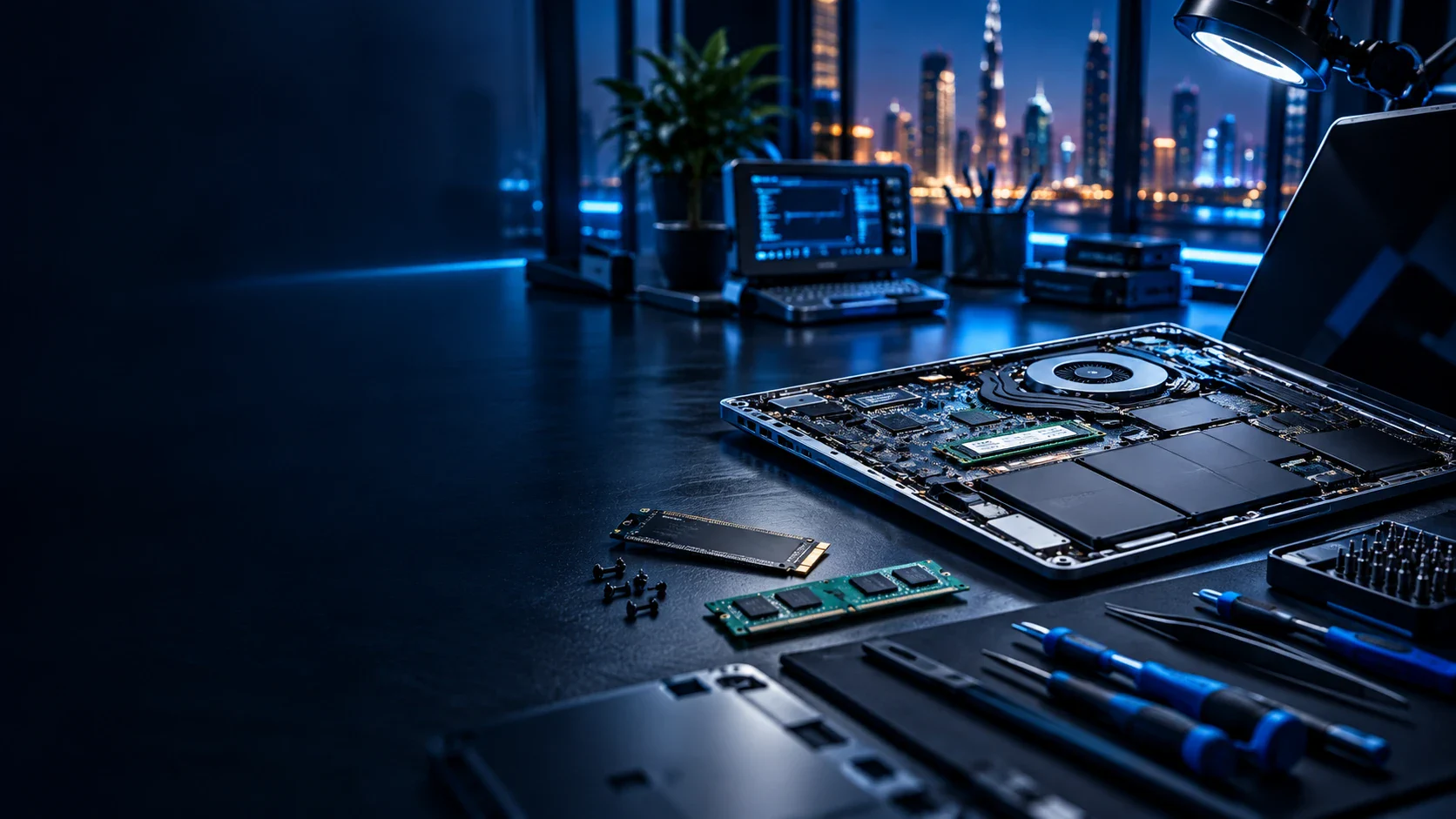
Hardware decision
A symptom is not a part number
Computer Hardware Diagnostics begins by reproducing the fault and separating power, thermal, memory, storage, display and operating-system causes. Replacing a component before that isolation can waste money and leave the original fault unchanged.
The review covers symptom reproduction, power and thermal condition and memory and storage indicators. Data importance and the condition of the existing device are discussed before opening the system or working on storage.
Contextual navigation
Where to go after reviewing Computer Hardware Diagnostics
Diagnosis comes before a part-specific Computer Hardware Diagnostics decision. These links reflect that sequence without sending every hardware page to every other one.
Questions about this exact service
Computer Hardware Diagnostics: practical questions before you proceed
These answers address the inputs, boundaries and checks that belong specifically to Computer Hardware Diagnostics.
How can symptom reproduction affect the Computer Hardware Diagnostics result?
It can alter the method and the handover test. A completed Computer Hardware Diagnostics task should demonstrate repeatable symptom or successful stress test under normal use.
Why is power and thermal condition reviewed for Computer Hardware Diagnostics?
For Computer Hardware Diagnostics, power and thermal condition helps isolate the affected device, component or system path before likely fault domain is recommended.
What risk appears when memory and storage indicators is incomplete?
If memory and storage indicators is incomplete, a healthy component may be replaced or a shared dependency may be missed. The work therefore checks affected component path.
Which details help assess display and peripheral tests?
Provide the model, symptom, timing and non-sensitive configuration facts relevant to display and peripheral tests. Data importance should also be stated before storage work.
Must operating-system logs be resolved before Computer Hardware Diagnostics?
Resolve operating-system logs first when it controls safe access or compatibility. Otherwise it can be documented as a separate recommendation after Computer Hardware Diagnostics.
Which boundary should customers understand before requesting Computer Hardware Diagnostics?
For this request involving Computer Hardware Diagnostics, diagnostics identify the most likely cause within accessible tests; intermittent or board-level issues may need extended specialist work.
What should the handover confirm after Computer Hardware Diagnostics?
The closing review covers repeatable symptom or successful stress test, sensor and error results and affected component path. Anything still dependent on the customer, an authority or another provider is recorded rather than presented as complete.
Discuss your Computer Hardware Diagnostics requirement
Provide the exact device model, visible symptoms and any data concerns. Computer Hardware Diagnostics starts by checking symptom reproduction before defining diagnostic record.