
Home › Computer, Laptop & Spare Replacement › SSD Upgrade & Storage Replacement
Hardware diagnostics and component work are primarily positioned for Dubai customers after model, symptom and data-risk checks.SSD Upgrade & Storage Replacement
AL SBARQ offers SSD Upgrade & Storage Replacement in Dubai. Our assessment links device interface and form factor to a practical scope for compatible SSD selection criteria.
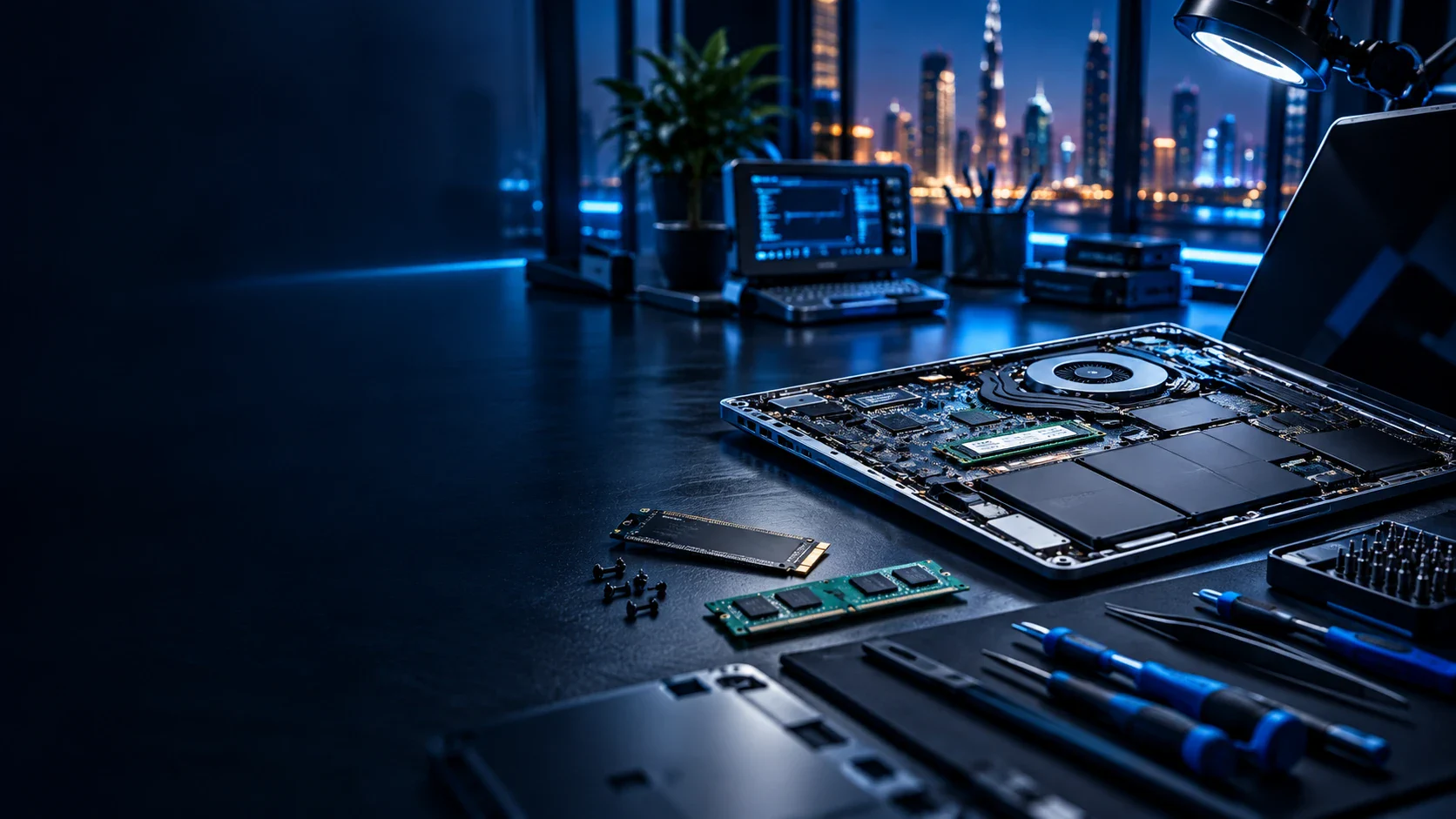
Hardware decision
Match the upgrade to the bottleneck
SSD Upgrade & Storage Replacement should address a measured limit in capacity, performance or reliability. It will not correct an unrelated thermal, board or software fault.
The review covers device interface and form factor, supported NVMe or SATA standard and required capacity. Data importance and the condition of the existing device are discussed before opening the system or working on storage.
Compatibility and risk
Checks that decide whether SSD Upgrade & Storage Replacement should proceed
These SSD Upgrade & Storage Replacement checks prevent a symptom or compatible-looking part from being treated as proof without supporting evidence.
Device interface and form factor
Document device interface and form factor precisely because it anchors compatibility or fault isolation for SSD Upgrade & Storage Replacement.
Required capacity
Review required capacity because it can change the diagnosis, selection or precautions used for SSD Upgrade & Storage Replacement.
Encryption and data-migration method
Use encryption and data-migration method to set the data, assembly or operational precautions for SSD Upgrade & Storage Replacement.
Bench verification
How SSD Upgrade & Storage Replacement is tested after the work
Data transfer depends on source-drive readability; a failing drive may require recovery work instead of ordinary cloning.
Protect the existing data and configuration
Record the source condition and recovery route before SSD Upgrade & Storage Replacement changes storage, memory or Windows.
Confirm the new resource
Verify firmware and operating-system detection in firmware and the operating system where applicable.
Run the target workload
Test boot reliability with the user’s normal applications or data path.
Check startup and recovery
Confirm copied-data sampling and record anything that remains dependent on licences, unreadable media or another provider.
Contextual navigation
Where to go after reviewing SSD Upgrade & Storage Replacement
Diagnosis comes before a part-specific SSD Upgrade & Storage Replacement decision. These links reflect that sequence without sending every hardware page to every other one.
Questions about this exact service
SSD Upgrade & Storage Replacement: practical questions before you proceed
These answers address the inputs, boundaries and checks that belong specifically to SSD Upgrade & Storage Replacement.
Which details help assess device interface and form factor?
Provide the model, symptom, timing and non-sensitive configuration facts relevant to device interface and form factor. Data importance should also be stated before storage work.
Must supported NVMe or SATA standard be resolved before SSD Upgrade & Storage Replacement?
Resolve supported NVMe or SATA standard first when it controls safe access or compatibility. Otherwise it can be documented as a separate recommendation after SSD Upgrade & Storage Replacement.
Can a difference in required capacity change the SSD Upgrade & Storage Replacement scope?
Yes. A difference in required capacity can change compatibility, the diagnostic route or whether remote and physical access are required.
When should the customer review old-drive health?
Review old-drive health before authorising parts or disruptive changes. It is checked again when testing copied-data sampling.
What evidence supports a review of encryption and data-migration method?
Evidence for encryption and data-migration method can include error messages, event logs, photographs, device identifiers and test results. Passwords and one-time codes are not needed.
Which boundary should customers understand before requesting SSD Upgrade & Storage Replacement?
For this request involving SSD Upgrade & Storage Replacement, data transfer depends on source-drive readability; a failing drive may require recovery work instead of ordinary cloning.
How is the result of SSD Upgrade & Storage Replacement checked?
The closing review covers firmware and operating-system detection, boot reliability, partition and capacity and copied-data sampling. Anything still dependent on the customer, an authority or another provider is recorded rather than presented as complete.
Discuss your SSD Upgrade & Storage Replacement requirement
Provide the exact device model, visible symptoms and any data concerns. SSD Upgrade & Storage Replacement starts by checking device interface and form factor before defining compatible SSD selection criteria.